 Screen Recorder Pro
Guides to recording your screen on Windows
Practical advice for making good tutorials, demos and recorded meetings.
Each guide starts from a real need: recording a demo without a watermark, preparing a clear tutorial, capturing a meeting with sound, or hiding sensitive information before you share a video. The articles are short and practical. Pick the topic that matches your project and apply the advice in a few minutes.
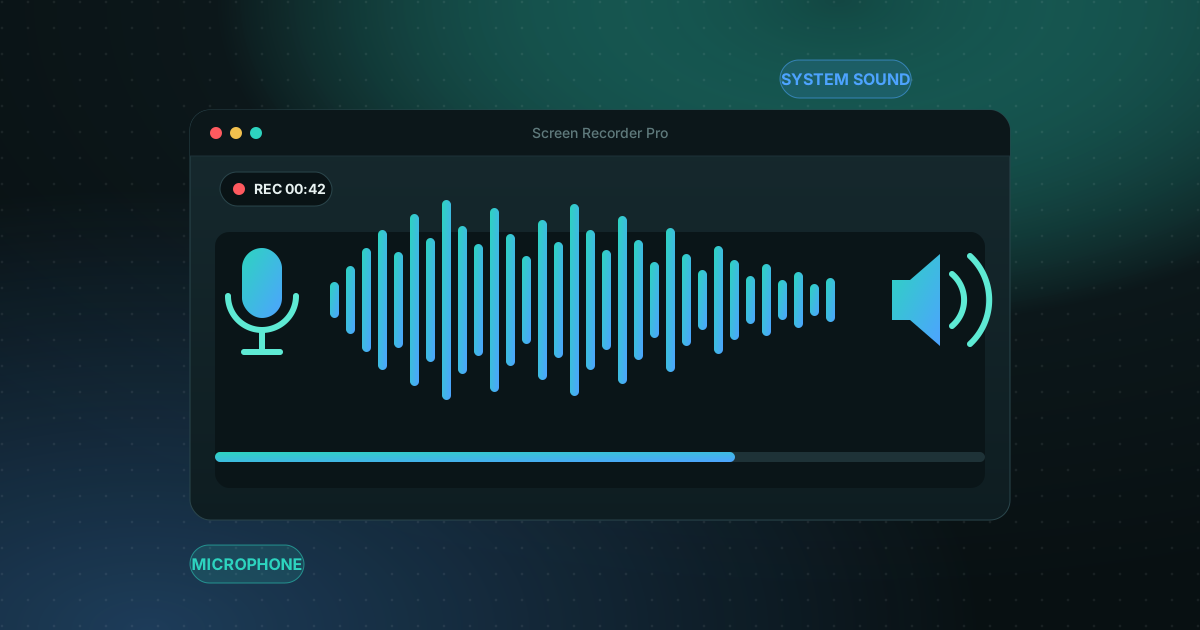
How to record your screen on Windows 11 with audio
Recording the screen is easy; getting clean sound is where most recordings go wrong. Here is how to capture system sound, your microphone, or both.
Read the guide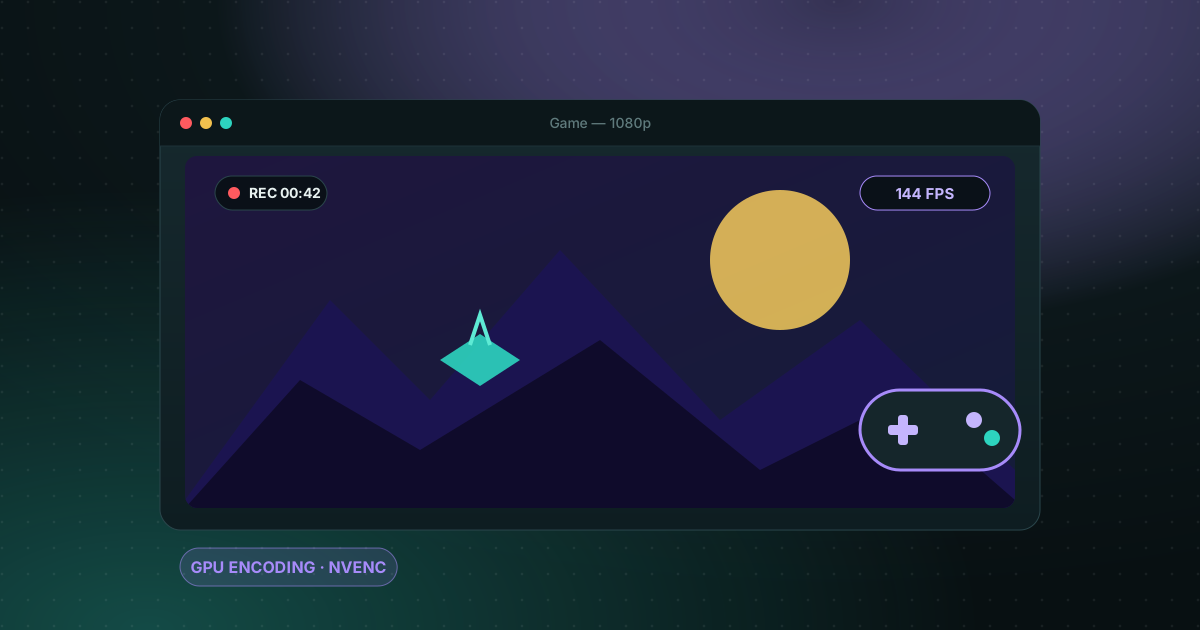
Game screen recorder with no watermark for Windows PC
Recording gameplay without a watermark is possible for free. Here are the realistic options on a Windows PC and what each one costs you in performance and convenience.
Read the guide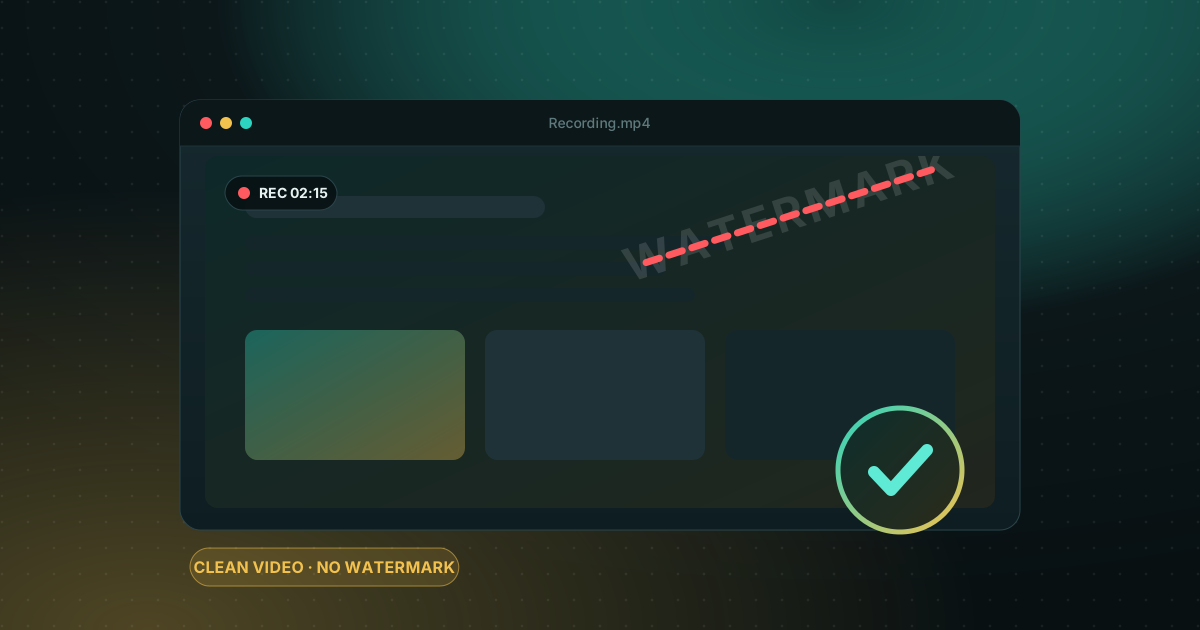
How to record your screen on Windows with no watermark
Windows already ships free tools, but each has limits. Here is how to choose based on what you want to film.
Read the guide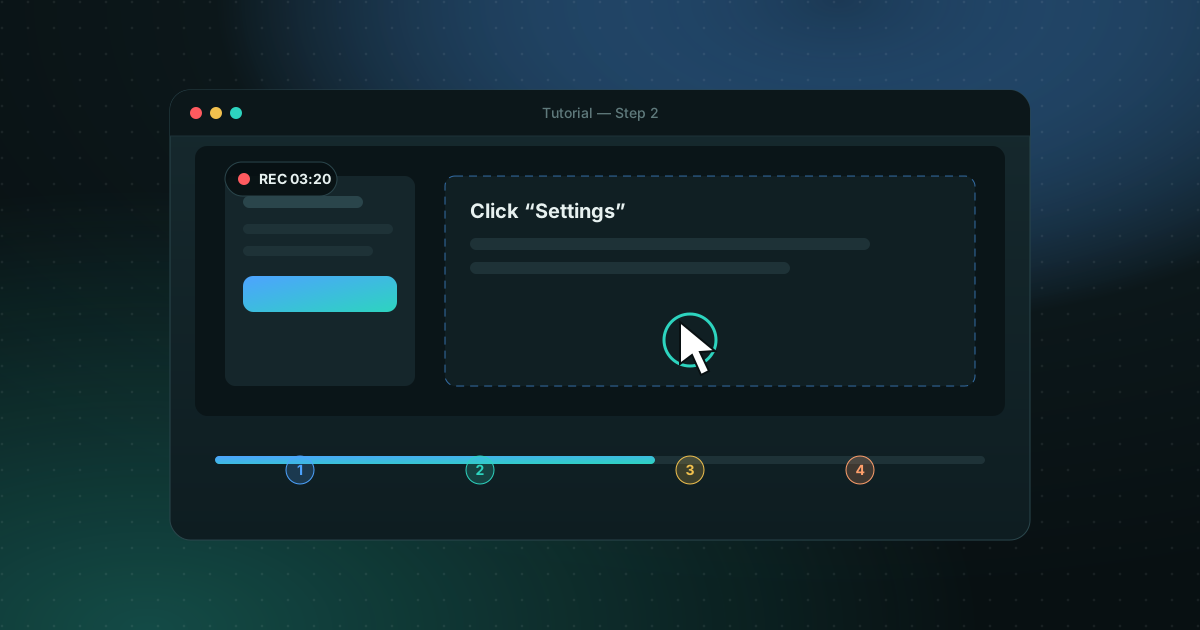
How to record a clean, easy-to-follow screen tutorial
A good tutorial is prepared before you press Record. Here is the method, step by step.
Read the guide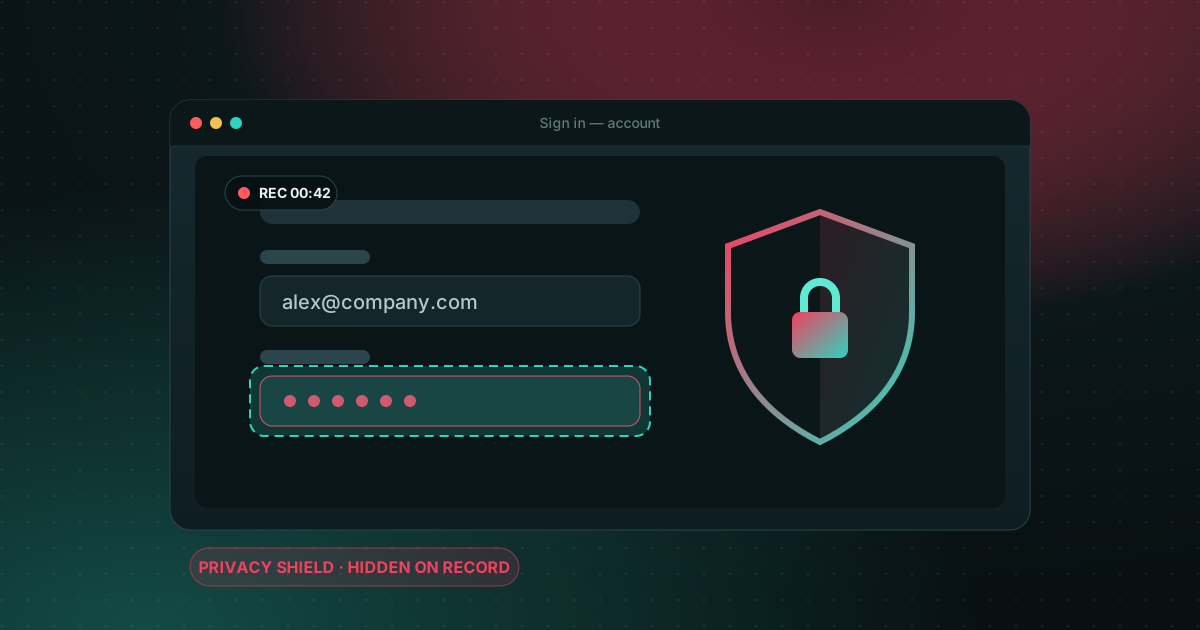
How to hide passwords and private data when recording your screen
One second is enough for a password or a private message to appear in your video. Here is how to prevent it.
Read the guide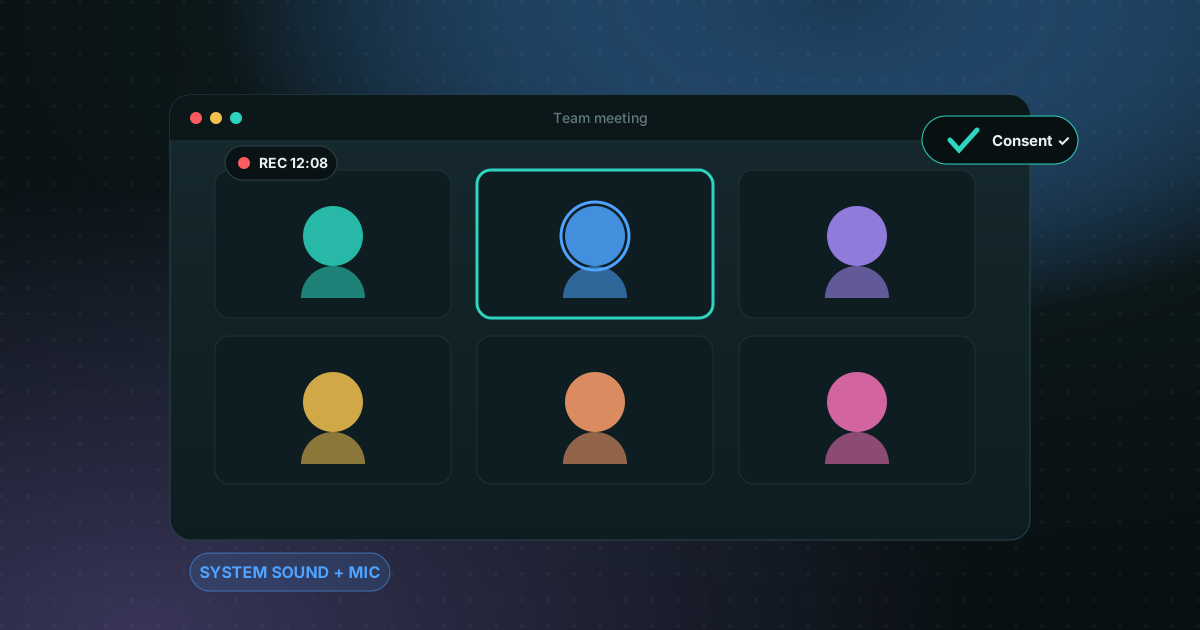
How to record a Zoom or Teams meeting on Windows (with sound)
Picture, participants' voices and your mic: the full method, and the consent point that matters.
Read the guide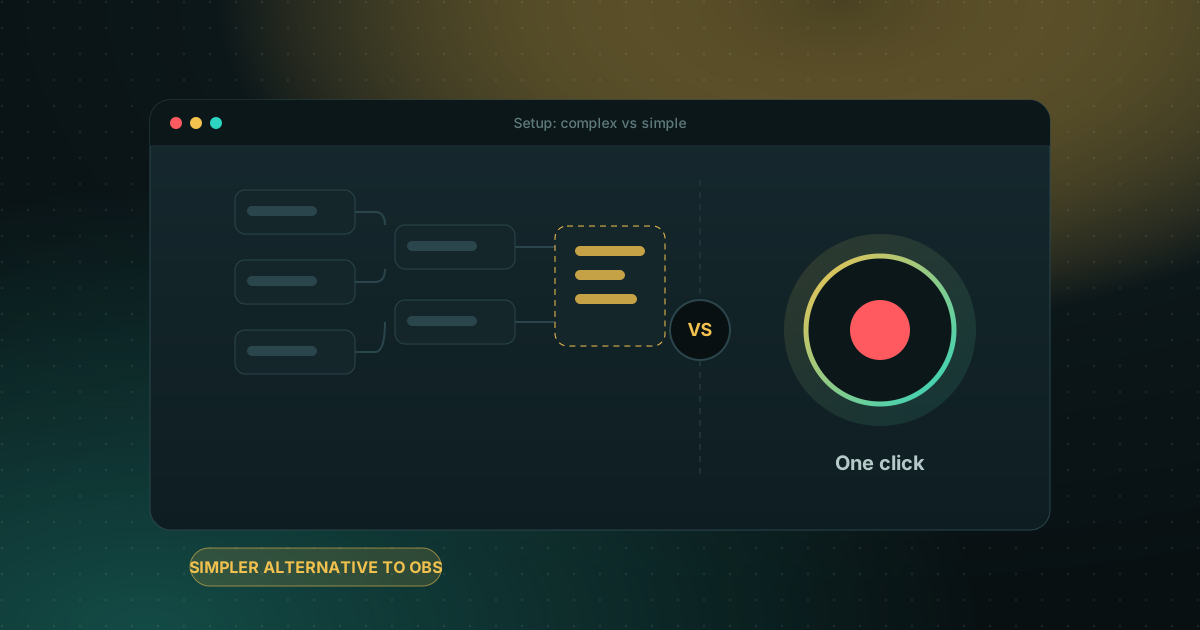
A simpler alternative to OBS Studio for screen recording on Windows
OBS is free and powerful. Here is when a more direct tool saves you time.
Read the guideNo guide matches your search.
Screen recording on Windows, in short
These guides answer the questions people ask most about recording a screen on Windows with Screen Recorder Pro and the tools built into Windows. Here are the short answers.
In these guides
- Record Windows 11 with audio
- Record with no watermark
- Make a clean tutorial
- Hide passwords and private data
- Record a Zoom or Teams meeting
- Record games with no watermark
- A simpler alternative to OBS
How do I record my screen on Windows 11 for free?
Windows 11 includes the Snipping Tool and the Xbox Game Bar (Windows key + Alt + R), and Screen Recorder Pro has a Free plan that records screen, sound and webcam up to 720p for 5 minutes with no watermark.
How do I record without a watermark?
Screen Recorder Pro adds no watermark on any plan, including Free. Most free versions of other recorders add one to exported videos.
How do I keep passwords out of the recording?
Turn on Do not disturb, record one window instead of the full screen, and pause while you sign in. Screen Recorder Pro's privacy shield can hide areas directly in the video.
Can I record a meeting?
Yes. Record the meeting window with system sound and your microphone. Tell participants first, as recording rules vary by country and company.
Record your next screen in two minutes.
Install it, press the hotkey, and you are recording. The Free plan has no time trial and no account to create.