 Screen Recorder Pro
A Bandicam alternative with no watermark on your exports
Bandicam is a good Windows recorder. Here is when an alternative like Screen Recorder Pro suits you better.
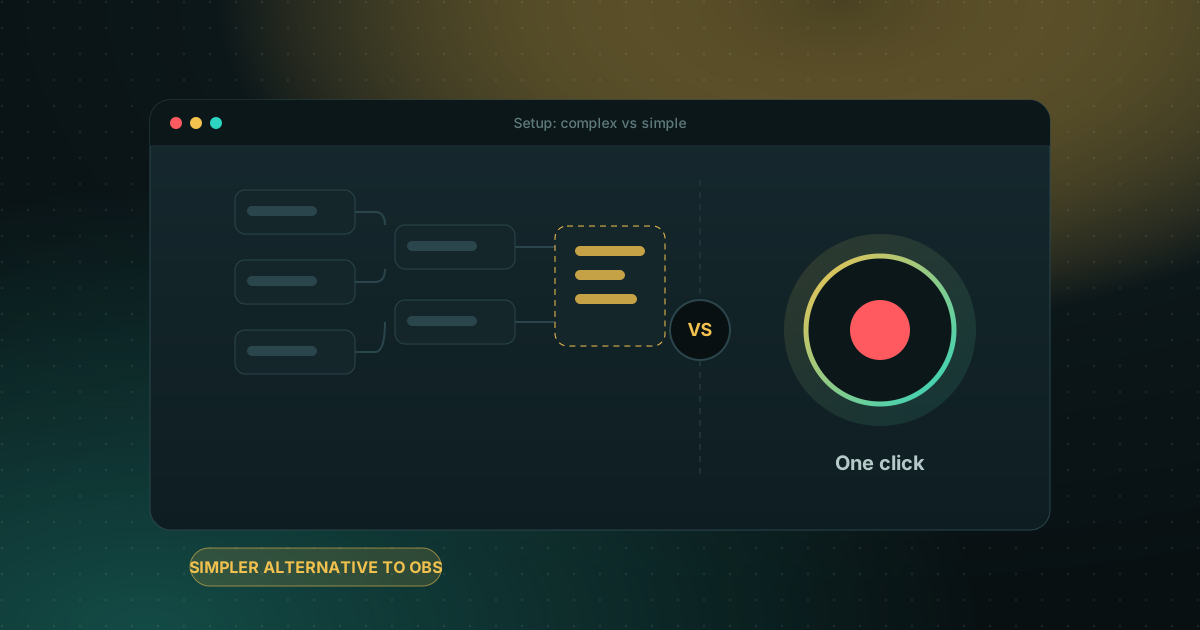
What Bandicam does well
Bandicam is a well-known Windows recorder, strong for gameplay and device capture and able to record at high frame rates. If you already own it and only need a recorder, it does the job.
Where Screen Recorder Pro is different
The biggest difference is the free plan. Bandicam's free version caps each recording at about 5 minutes and adds a watermark to exported or edited videos. Screen Recorder Pro's free plan records up to 720p for 5 minutes with no watermark at all, and it includes editing, subtitles and chapters that Bandicam leaves to a separate tool.
Bandicam vs Screen Recorder Pro
| Bandicam | Screen Recorder Pro | |
|---|---|---|
| Free plan | ~5 min per clip, watermark on exports | 5 min per clip, no watermark |
| Price | Personal from about $53.90 one-time (1 PC) or $33.26/year | Pro from $49/year or $79 one-time; Business $99/year |
| Built-in editor | Basic trimming | Trim, resize, subtitles, chapters |
| Privacy shield | No | Yes (Pro) |
| Platforms | Windows | Windows, plus an Android app |
| Interface languages | Several | English, French, Arabic |
How to choose
- High-frame-rate game capture and you already pay for it: Bandicam is fine.
- You want a free plan with no watermark, plus editing built in: try Screen Recorder Pro.
- You record on a phone too: Screen Recorder Pro has an Android version.
Frequently asked questions
Does Bandicam's free version add a watermark?
Yes. Bandicam's free version adds a watermark to exported or edited videos and limits each recording to about 5 minutes. Screen Recorder Pro's free plan adds no watermark.
Is Screen Recorder Pro cheaper than Bandicam?
Both are affordable. Screen Recorder Pro Pro is $49/year or $79 one-time; Bandicam personal is about $53.90 one-time or $33.26/year. Prices in US dollars.
Can I record games with Screen Recorder Pro?
Yes. It records at up to 60 fps with hardware encoding (NVENC) so the game stays smooth.
Try Screen Recorder Pro for free
Record screen, webcam and sound on Windows. Free plan, no watermark, to try it; Pro lifts the limits.
Download Screen Recorder ProKeep reading
How to record your screen on Windows 11 with audio
Recording the screen is easy; getting clean sound is where most recordings go wrong. Here is how to capture system sound, your microphone, or both.
Read the guide
Game screen recorder with no watermark for Windows PC
Recording gameplay without a watermark is possible for free. Here are the realistic options on a Windows PC and what each one costs you in performance and convenience.
Read the guide
How to record your screen on Windows with no watermark
Windows already ships free tools, but each has limits. Here is how to choose based on what you want to film.
Read the guide