 Screen Recorder Pro
A simpler alternative to OBS Studio for screen recording on Windows
OBS Studio is excellent, but it is not for everyone. Here is when to keep it, and when to choose something simpler.
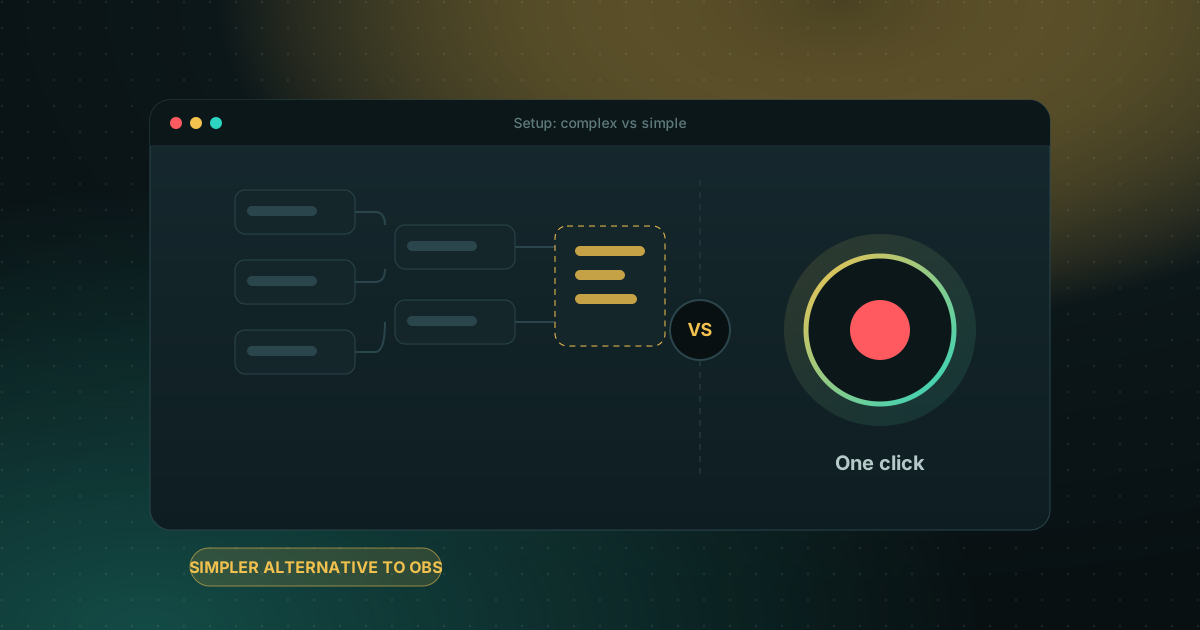
What OBS does very well
OBS Studio is free and open source. It handles multiple scenes, live streaming, many video and audio sources, and very fine control. If you stream to Twitch or YouTube Live, or build complex scenes, OBS is still a very good answer.
Where it can get in the way
To film a five-minute tutorial you first have to create a scene, add sources, set up audio and choose an output format. And once the video is recorded, you need another program to trim it, subtitle it or share it.
Quick comparison
| OBS Studio | Screen Recorder Pro | |
|---|---|---|
| Price | Free, open source | Limited free plan, paid Pro and Business |
| Getting started | Scenes and sources to set up | Pick the screen, window or a region, then record |
| Live streaming | Yes | No, it is a recorder |
| Editing after recording | No, separate program | Trim, resize, subtitles and chapters built in |
| Search inside videos | No | Yes, in speech and on-screen text |
| Hiding private data | Set up per scene | Privacy shield (Pro and Business) |
How to choose
- Live streaming or scene building: keep OBS Studio.
- Tutorials, demos, training, meetings: a direct recorder saves time.
- Not sure: try Screen Recorder Pro's free plan (720p, 5 minutes, no watermark) and judge for yourself. Pro lifts the time limit.
What does a simple tutorial take in each tool?
| Step | OBS Studio | Screen Recorder Pro |
|---|---|---|
| Before the first recording | Create a scene, add a display or window source, add audio sources, set the output folder and format | Choose screen, window or region, and tick system sound or microphone |
| Start | Start Recording button or a hotkey you set | Record button or global hotkey, with a countdown |
| Trim the ends | Another program | Built-in editor |
| Subtitles and chapters | Another program or plugin | Built in, generated on your PC (Pro) |
OBS rewards the time you put into setup, especially for streaming. If you record a few short tutorials a week, Screen Recorder Pro gets you from idea to finished file with fewer steps. You can also compare it with Bandicam, Camtasia and Xbox Game Bar.
Frequently asked questions
Is OBS Studio really free?
Yes. OBS Studio is free and open source, with no watermark.
Does Screen Recorder Pro replace OBS for live streaming?
No. Screen Recorder Pro records the screen, webcam and sound, but does not stream live. For streaming, OBS is still the right tool.
Can I use both?
Yes. Many people keep OBS for live work and a simpler recorder for their tutorials.
Try Screen Recorder Pro for free
Record screen, webcam and sound on Windows. Free plan, no watermark, to try it; Pro lifts the limits.
Download Screen Recorder ProKeep reading
How to record your screen on Windows 11 with audio
Recording the screen is easy; getting clean sound is where most recordings go wrong. Here is how to capture system sound, your microphone, or both.
Read the guide
Game screen recorder with no watermark for Windows PC
Recording gameplay without a watermark is possible for free. Here are the realistic options on a Windows PC and what each one costs you in performance and convenience.
Read the guide
How to record your screen on Windows with no watermark
Windows already ships free tools, but each has limits. Here is how to choose based on what you want to film.
Read the guide