 Screen Recorder Pro
The quick tour
Everything Screen Recorder Pro can do, in one video.
Free screen recorder for Windows 11 and PC with no watermark: capture your screen, sound and webcam at full resolution. Add subtitles, chapters and a privacy shield without leaving the app.
See it in 12 seconds
Send the link to my PCShort, practical guides for Windows 11 and PC.
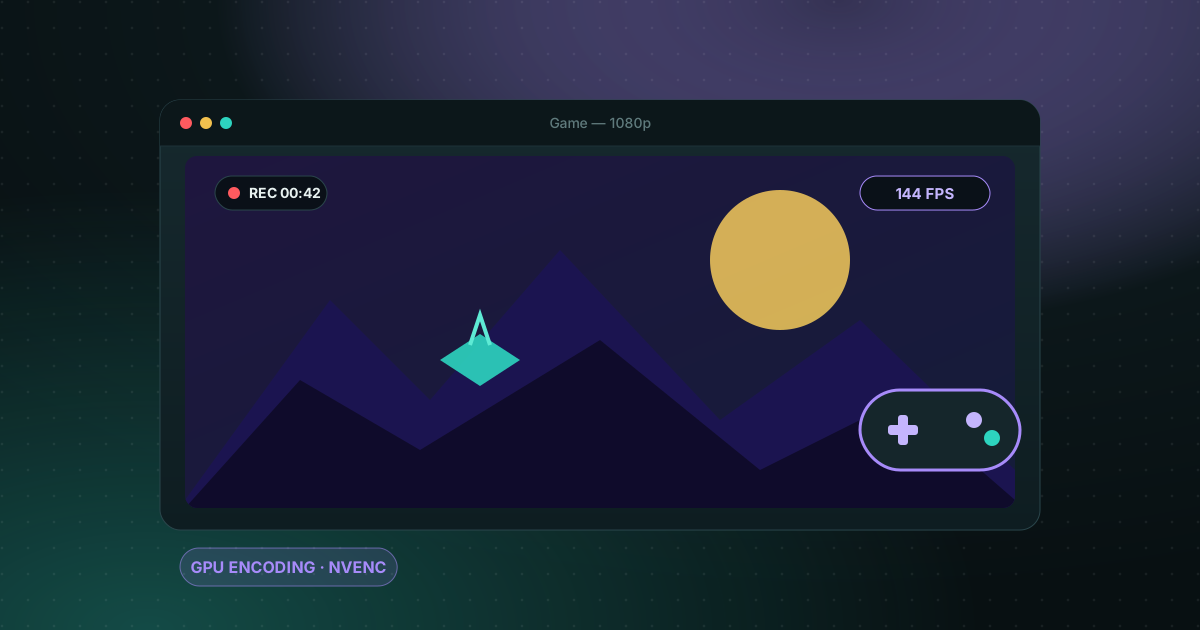
Recording gameplay without a watermark is possible for free. Here are the realistic options on a Windows PC and what each one costs you in performance and convenience.
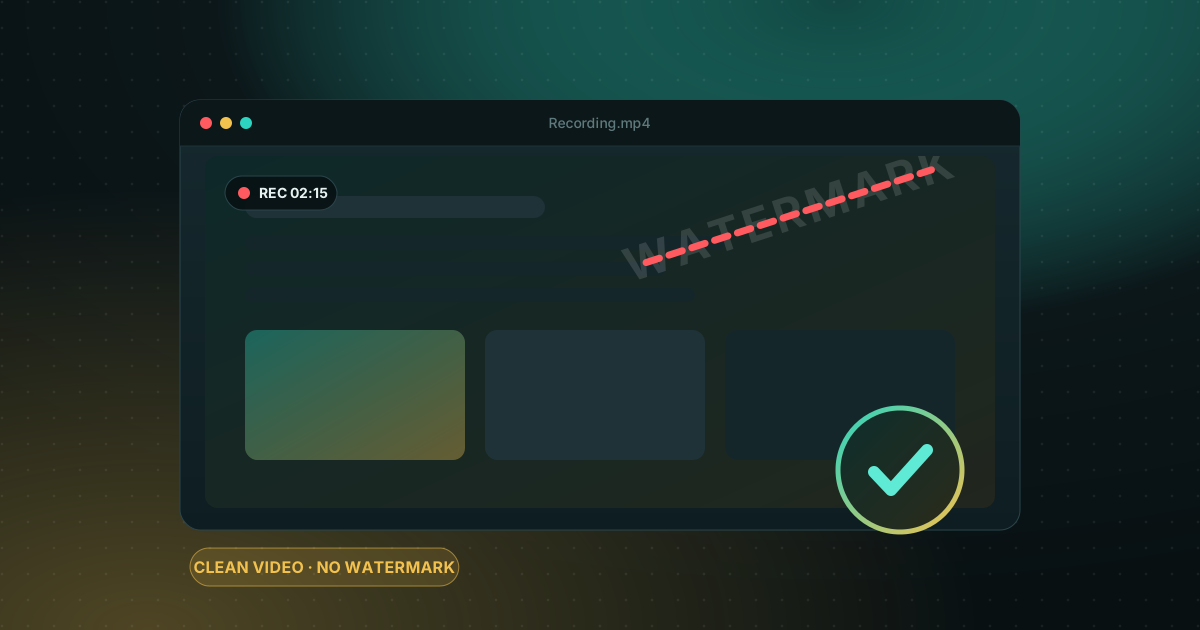
Windows already ships free tools, but each has limits. Here is how to choose based on what you want to film.
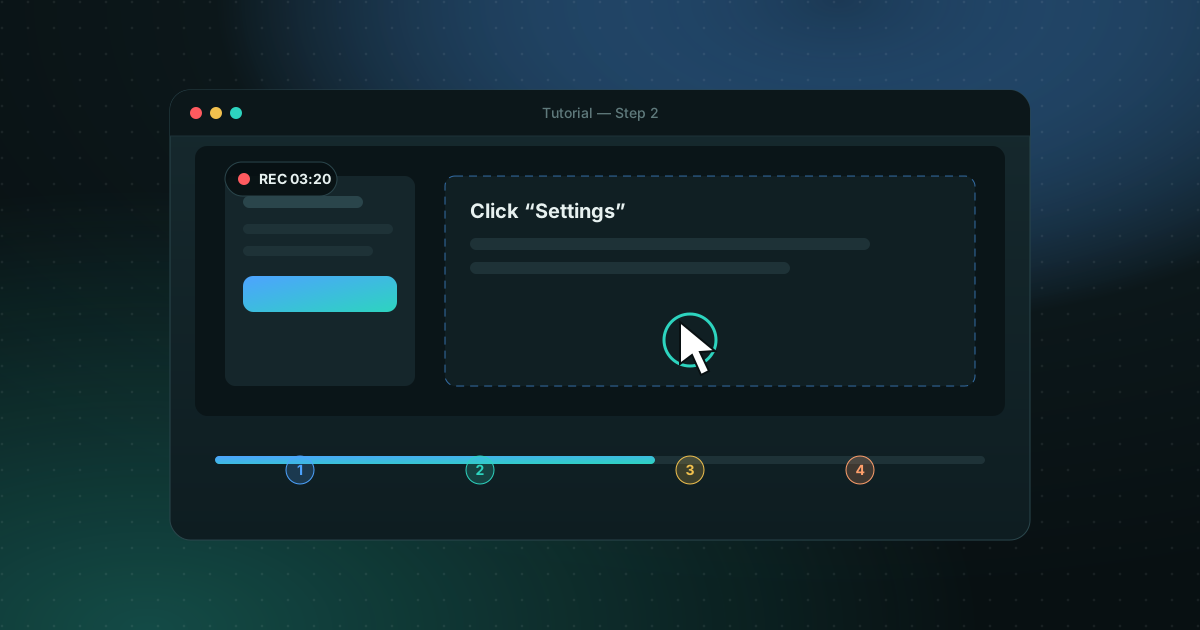
A good tutorial is prepared before you press Record. Here is the method, step by step.
Short videos from our TikTok channel. Pick one and press play.
Everything Screen Recorder Pro can do, in one video.
Full screen, one window or a custom region.
Record both together and mix them your way.
GPU encoding keeps your PC responsive.
Park the playhead, press S and cut into as many parts as you need.
Drawing tools and actions on top, colors and width below.
Your scheduled recordings on the left, the editor on the right.
One app covers capture, polish and delivery, so you stop juggling a recorder, an editor and a transcription tool.
Frames are copied once, encoded on your graphics card when you have one, and timed with a high-resolution clock. Scrolling pages, animations and games keep their pace instead of dropping frames.
Record a monitor, a single window or a region you draw.
Hide passwords, emails and private windows while you record.
Generated on your PC with speech recognition, then editable.
Find the moment a word was said or appeared on screen.
Arrows, highlights and text on top of the screen, plus a teleprompter and your own logo overlay.
Set a start time and length, and the recording begins without you. Global hotkeys start, pause and stop from any app.
Mark the areas that should never be seen. They are hidden in the video itself, so there is nothing to blur later.
Choose a screen, window or region, then turn on system sound, microphone and webcam if you need them.
Record, pause and stop from anywhere. The preview and timer stay out of your way.
Trim, add subtitles and chapters, search the transcript, or send the file to your phone.
Every plan includes the full recorder. Paid plans remove limits and add the finishing tools.
| Free | Pro | Business | |
|---|---|---|---|
| Maximum resolution | 720p | Full | Full |
| Length per recording | 5 minutes | Unlimited | Unlimited |
| Privacy shield and scheduler | — | Included | Included |
| Subtitles, chapters, search | — | Included | Included |
| PCs per license | 1 | 2 | 5 |
Yes. The Free plan records screen, sound and webcam up to 720p and 5 minutes per recording, with no watermark. It never expires.
Windows 10 (version 2004 or later) and Windows 11, 64-bit.
Screen Recorder Pro captures through the Windows graphics layer and can encode on your graphics card (NVENC) so the processor stays free. Animated pages and games are the case it was tuned for.
On your own computer, in the folder you choose. Nothing is uploaded unless you use the share-to-phone feature on your local network.
Press the hotkey, choose the screen or a window, and turn on system sound and your microphone. Both are saved in the same recording, so you can capture a tutorial, a game or a meeting.
No watermark at all: the Free plan records clean videos. Its limits are 720p and 5 minutes per recording, which paid plans lift.
Yes, if you want to record without building scenes and sources first. OBS is more flexible for live streaming; Screen Recorder Pro is simpler for tutorials, demos and gameplay.
Install it, press the hotkey, and you are recording. The Free plan has no time trial and no account to create.